
Nmbrs payroll software
With the Nmbrs salary package, you are ready for the future.
The world around you is changing rapidly and becoming increasingly complex. The digital transformation is in full swing and the use of AI is now almost indispensable. Not to mention the challenging labor market that you undoubtedly also have to deal with. As your trusted advisor, we are happy to assist you in this changing world.
With the Nmbrs salary package, we respond to all of our customers’ HR needs in terms of personnel issues. Watch the video below to see what Nmbrs has to offer.
Unfortunately, this videos is only available in Dutch.
Logging in for the first time
The first time you log in, proceed as follows:
- Log in for the first time on a computer or laptop.
- Click on the link in the email you received from Newtone HRM & Salarisadvies.
- Confirm that you are not a robot and click on ‘next’.
- Enter a password and click on ‘save password’. You will then receive an email informing you that your password has been changed.
- Now go to the Nmbrs login page and log in with the password you just created. For data security reasons, we use 2FA.
- You will shortly receive an email with an invitation to activate a customer account for Nmbrs.
- We recommend that you open the link in the Edge or Chrome browser and create a password of at least 12 characters (using your own name is not permitted). Further instructions will be self-explanatory when you use the link.
- When the documents for the period are ready, you will receive a notification from Nmbrs.
- Once you are logged in, you can view the payslips that have been prepared. To do this, click on payslips in the block titled ‘Salary document viewer’. Here you can open and check the desired documents.
Please note: every time you log in on a new device, you will receive a verification email.
Do you have any questions about logging in? Please contact us at +3140 221 58 05.
Instructions for employers
To make things easier for you, we are sharing videos about the various applications of Nmbrs here. Please feel free to contact us if you have any questions.
Transferring leave and expense claims
If your employees currently request leave or submit expense claims themselves, this option will be closed for your employees in Cobra by December 31, 2025, at the latest. In 2026, this functionality will be reopened for them in Nmbrs. Leave requests that have already been made for the year 2026 will need to be resubmitted in Nmbrs. To make this transition as smooth as possible for you and your employees, here is a sample email you can use to inform your employees.
Salary and HR reports
Discover the most commonly used reports that give you insight into various aspects of your business. The HR reports provide you with information about leave and absenteeism, allowing you to plan and track this efficiently.
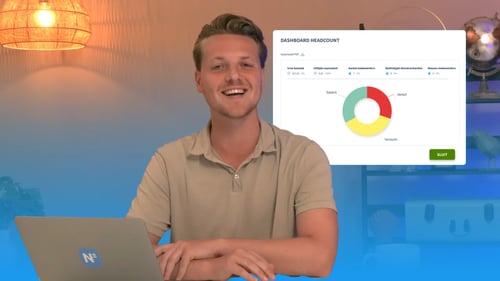
Unfortunately, this video is only available in Dutch.
HR Manager environment
In the Nmbrs explanatory video, you will discover how you, as an HR manager, can personalize your environment. This feature allows you to customize the environment to your specific needs.
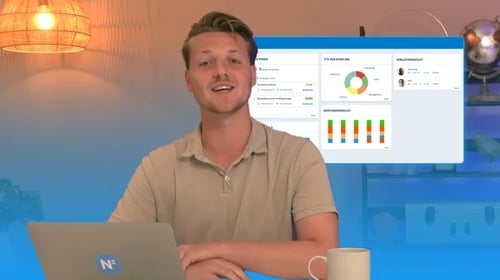
Unfortunately, this video is only available in Dutch.
Digital signing
Forget the hassle of paperwork and embrace the efficiency of organize and accessible document management with Nmbrs.
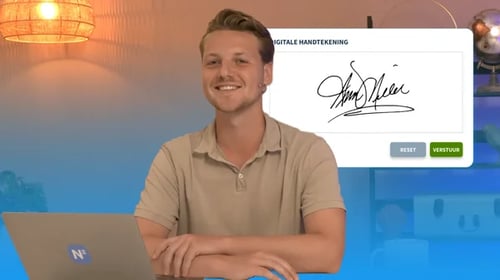
Unfortunately, this video is only available in Dutch.
Instructions for employees
Want to easily inform your employees about the switch to Nmbrs? Use this link to download a sample email including login instructions.
We are also happy to share a number of instructional videos for your employees below.
Employee environment
Nmbrs offers a user-friendly experience that allows employees to effortlessly take advantage of its various features. Learn more about the employee environment.
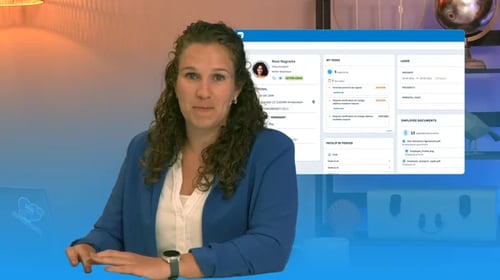
Unfortunately, this video is only available in Dutch.
Employee Self Service app
Priscilla explains how you can easily log in to the Employee Self Service app. This handy app gives employees insight into their salary details and personal information.
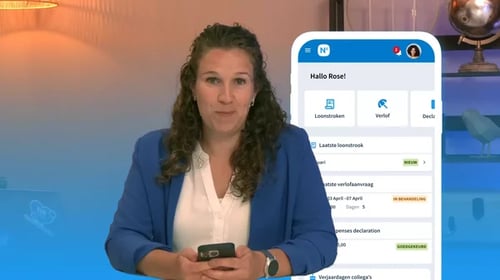
Unfortunately, this video is only available in Dutch.
FAQ's
The domain name when using the app is: wvdb.
You can find the apps on this site.
If you have any questions, please contact your account manager or your regular customer service representative. Do you have more technical questions? Please contact salarisadviseurs@newtone.nl.